Workflow Audit
Find repeated work, bottlenecks, missed handoffs, and the highest-impact place to start.
Free business system resources
Download practical guides, templates, worksheets, and system maps to organize repeated work, improve follow-up, and understand how automation and AI agent systems can support real business workflows.
Free resources. Beginner friendly. Built for real business workflows.
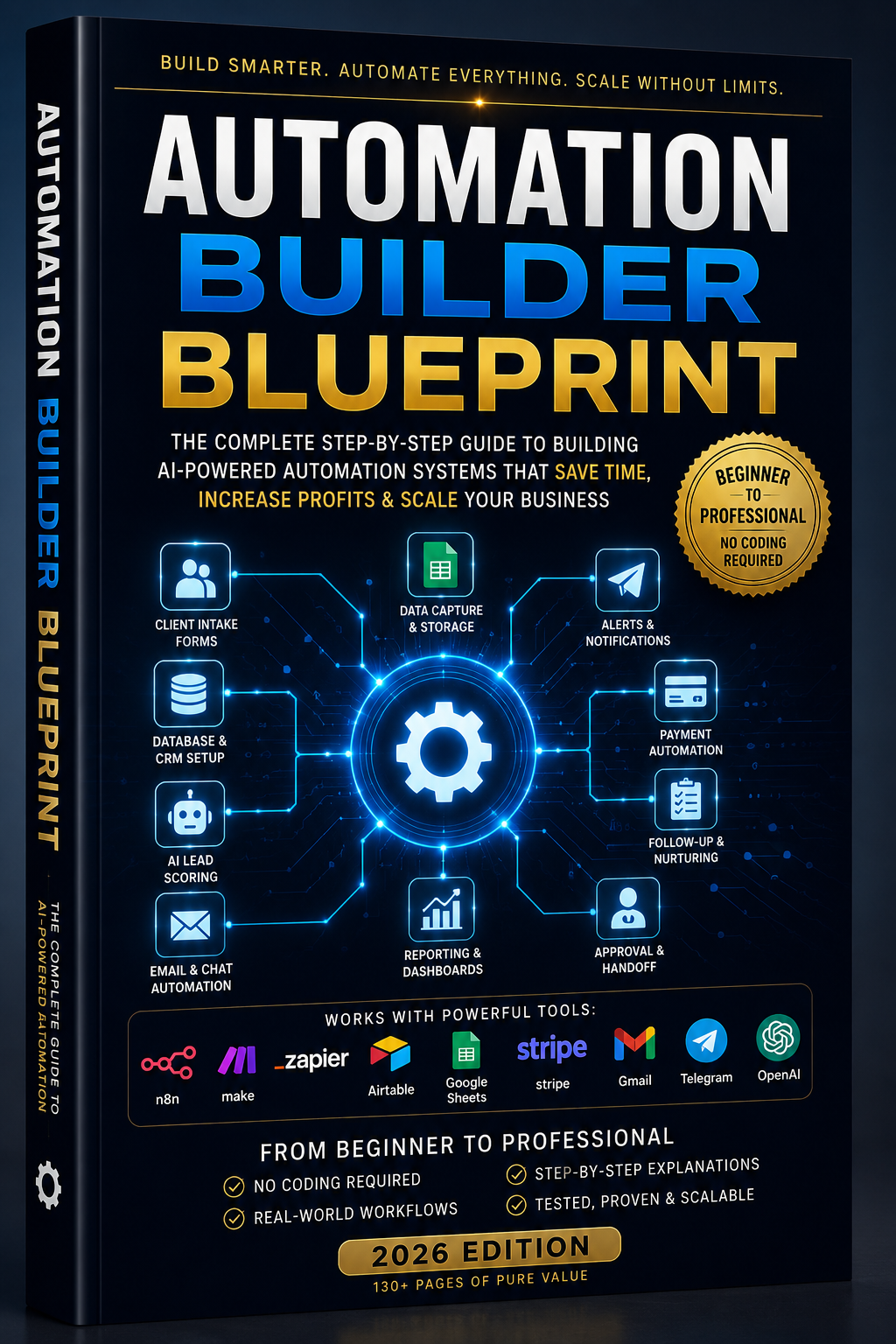
| Resource | Category | Status |
|---|---|---|
| Automation Blueprint | Automation | Live |
| Agent Field Manual | AI Agents | Live |
A guided path
Not sure where to begin? Follow the path below.
Start with the Automation Builder Blueprint to understand intake, CRM, follow-up, payments, approvals, and handoffs.
Use the checklist and worksheet to identify repeated work, slow follow-ups, missed leads, and manual admin.
Use the field manual to learn how agents, tools, approvals, memory, security, and multi-agent workflows fit together.
Submit your process and YK SYSTEMS will recommend the first system worth improving.
Free resource library
Start with practical resources for lead intake, CRM setup, follow-up, prompts, worksheets, and business workflow planning.
Next level
Automation moves repeated work. AI agents help manage thinking work. Agent systems connect both into a business operating layer.
These resources explain assistants, tool-using agents, multi-agent systems, approval gates, security controls, and agent-powered business workflows.
Implementation assets
Use these assets when you are ready to move from learning into planning, deployment, governance, and client handoff.
What YK SYSTEMS can build
YK SYSTEMS helps businesses design and build automation workflows, AI agent systems, connected tools, approval gates, and operating processes.
Find repeated work, bottlenecks, missed handoffs, and the highest-impact place to start.
Connect client records, forms, tasks, communication, follow-up, and operational visibility.
Connect landing pages, request forms, email, sheets, CRMs, and AI-assisted workflows.
Map agent roles, tools, permissions, memory, approval gates, risks, and expected outputs.
Coordinate specialized agents, shared context, handoffs, reporting, and business processes.
Add review gates, permissions, exception handling, audit logs, and operating controls.
Free system review
Tell YK SYSTEMS where work, tools, approvals, follow-up, or agent-system ideas get messy. You will receive a practical recommendation for the first system worth improving.